SCADA HMI Design: Five Rules Operators Actually Use

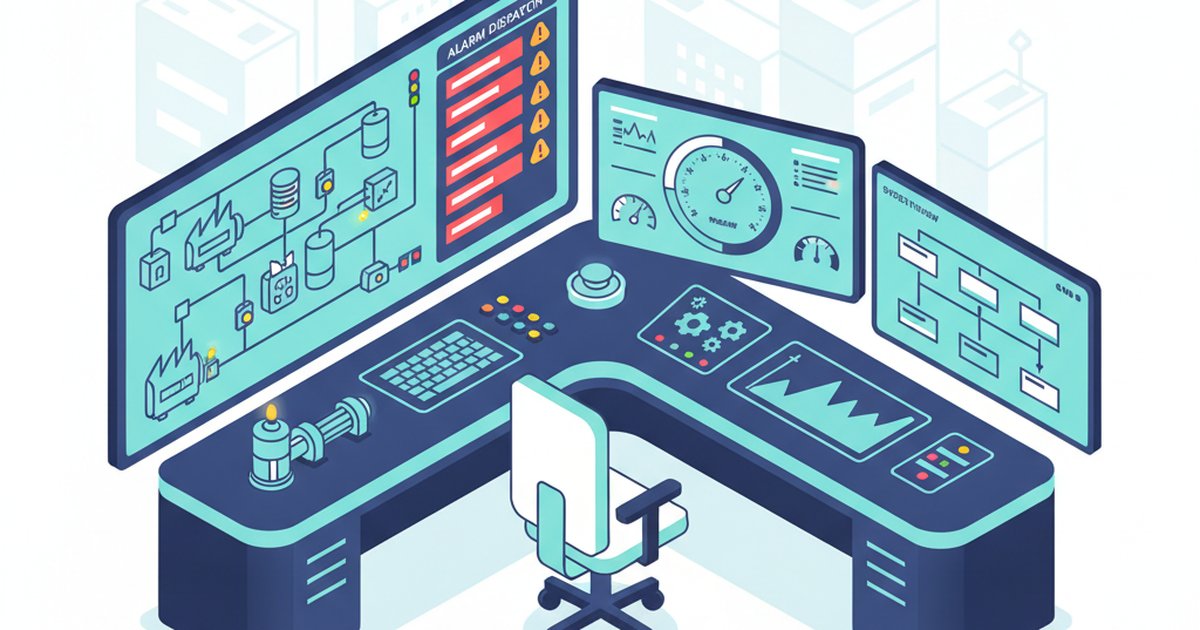
Walk across the control room floor of an Australian mineral processing plant, a water treatment facility, or a gas compressor station, and you will often see the same phenomenon: operators ignoring primary graphical interfaces in favour of a single trend window, an alarm list, or a handwritten shift log. When modern SCADA packages offer unlimited graphic capabilities, why do operators revert to workarounds? The answer is simple. Most SCADA Human-Machine Interfaces (HMIs) are designed to replicate engineering schematics rather than support human decision-making under operational stress. To build interfaces that protect capital assets, minimise downtime, and genuinely support operators across 12-hour shifts, engineering teams must implement practical, human-centred design principles rather than software vendor defaults.
1. Depict Situation, Not Just Equipment Schematics
The most pervasive failure in industrial HMI design is the direct translation of Piping and Instrumentation Diagrams (P&IDs) into graphic displays. While a mechanical engineer requires pipe runs, valve bodies, and vessel geometry to verify piping layouts, a control room operator manages a dynamic process governed by mass, energy, and volumetric flow. Mapping every static bypass line, manual ball valve, and flange clutters the visual field with operational noise.
Effective interfaces abstract the mechanical detail into functional process flow. Pipe runs should only appear when they indicate process routing changes or actively convey operating state. Critical operational metrics—such as residence times, delta temperatures, and inventory balances—should take precedence over realistic 3D renderings of pumps and storage tanks. If an element on the screen does not change state, provide diagnostic value, or trigger an operational action, it does not belong on the primary operating graphic.
2. Present Data in Context with Target Envelopes
A digital readout showing an agitator drawing 412 amps is meaningless on its own. The operator must process multiple questions: Is 412 amps high? What is the motor rating? What was the draw twenty minutes ago? What is the batch recipe setpoint? When an operator oversees hundreds of discrete loops, this mental arithmetic leads directly to cognitive fatigue and missed process excursions.
High-performance HMI design demands context-driven visual displays over isolated numerical strings:
- Operating envelopes: Use analog visual meters displaying the normal operating band, warning boundaries, and trip thresholds so performance is immediately clear.
- Integrated trend cards: Embed micro-trends (sparklines) directly adjacent to primary process variables showing the last 30 to 120 minutes of movement.
- Rate of change indicators: Show the direction and velocity of process drift before an alarm setpoint is breached.
When an operator can glance at a screen and assess that ten critical variables are tracking within their optimal bands in under three seconds, the interface is functioning as an engineering asset rather than a basic monitor.
3. Reserve Colour Exclusively for Abnormal Conditions
Conventional HMI palettes resemble Christmas trees: bright green for running, bold red for stopped, yellow for warnings, and vibrant blue for water lines. When every element on a screen is saturated, visual contrast disappears. In a plant upset, when genuine priority alarms initiate, flashing red icons blend into the existing noise of green motor graphics and yellow conveyors.
Modern functional standards, including ISA-101, dictate a low-contrast, grayscale background strategy. Structural elements, vessels, steady-state equipment, and normal values should be rendered in muted, neutral greys. Colour must be strictly reserved for drawing human attention to process abnormalities. A muted, desaturated screen ensures that an amber priority-two alarm or a vivid magenta interlock failure instantly commands the eye without ambiguous interpretation.
4. Enforce a Strict Four-Level Display Hierarchy
Without disciplined navigation structures, SCADA systems inevitably become an unmanageable web of interconnected screens. Operators waste valuable seconds clicking through nested windows to find isolation valves during a shutdown event. A structured four-level hierarchy solves this operational drag:
- Level 1: Overview. A single screen showing the entire facility, critical KPIs, production rates, environmental compliance metrics, and the status of top-tier alarms.
- Level 2: Unit Operations. Focused operational screens for an entire system (e.g., crushing circuit, boiler train) containing all primary controls and trends needed for steady-state operation.
- Level 3: Equipment Detail. Detailed diagnostic screens for specific assets (e.g., lube systems, variable speed drives) used during start-up, shutdown, or fault finding.
- Level 4: Diagnostic and Interlock Support. Logic sequences, instrument status values, and permissive matrices intended for root-cause troubleshooting.
Operators should be able to run their plant 90 percent of the time entirely from Level 2 screens, navigating up to Level 1 or down to Level 3 within a single click.
5. Require an Action for Every Configured Alarm
Alarm flooding remains the primary driver of catastrophic industrial incidents. If a high-level alarm triggers and the operator does not have an engineered, verifiable action to take, that alarm is not an operational prompt—it is an engineering log event. Nuisance alarms train operational teams to silence warnings instinctively, blinding them when multi-variable excursions take place.
During HMI design or rationalisation audits, apply an uncompromising rule: every alarm must have an associated corrective action, a defined consequence of inaction, and a specific time-to-respond window. Low-priority operational state changes belong in status logs, not in the primary alarm banner. By clearing obsolete alarms from the active interface, operators can concentrate fully on mitigating production downtime and preventing asset damage.
Engineering SCADA for High-Reliability Operations
An effective SCADA HMI is not a digital drawing exercise; it is an active risk management tool. Optimising visual ergonomics, establishing true display hierarchies, and eliminating visual noise directly increases asset availability and protects plant personnel under emergency conditions.
Our industrial automation engineers work across the mining, energy, water, and process sectors to modernise legacy SCADA systems and align operational control rooms with international standards like ISA-101 and EEMUA 191. Explore our control systems engineering services to review our technical capabilities, or reach out to our team via our contact page to discuss an HMI rationalisation study for your facility.